
Is Your Project Standard or Custom?
Not sure which one applies to your project?
Which Option Fits Your Project
Not sure which one applies to your project? Explore the options below.
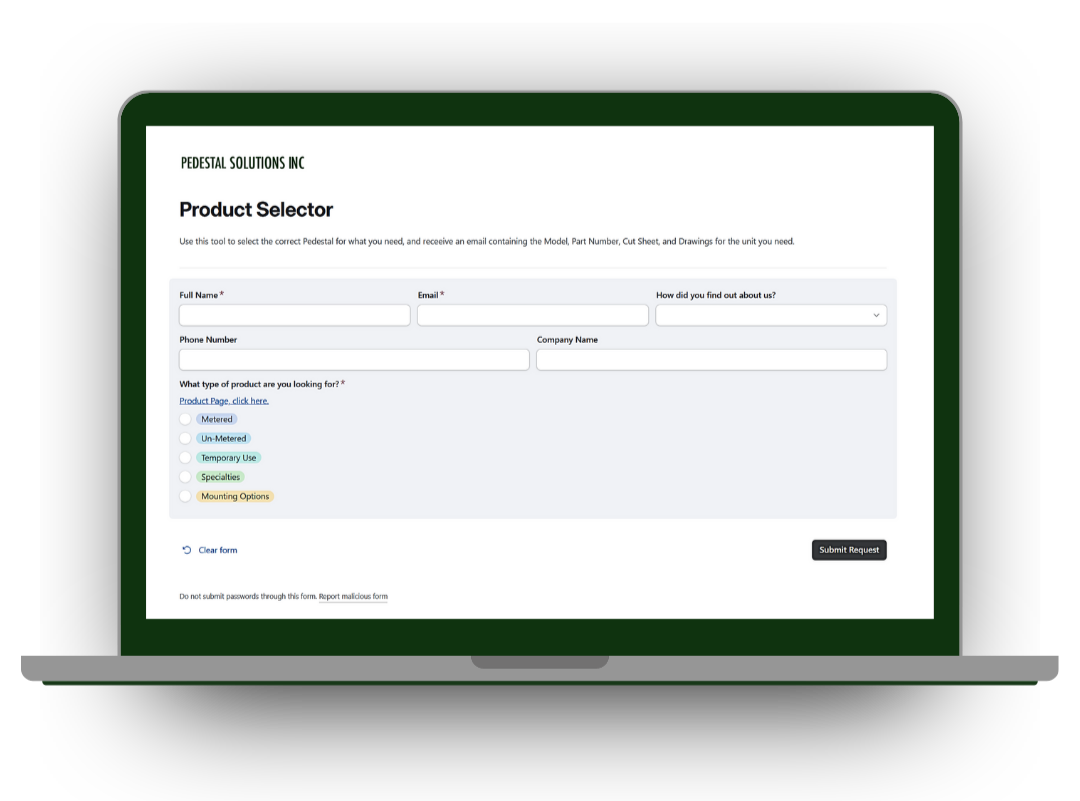
Follow the guide below to choose the best option for your project, or proceed directly by selecting ‘Find Your Pedestal’.
How It Works
A simple process to get the right pedestal configuration for your project.
Builder Benefits
Designed to save you time and simplify your project.


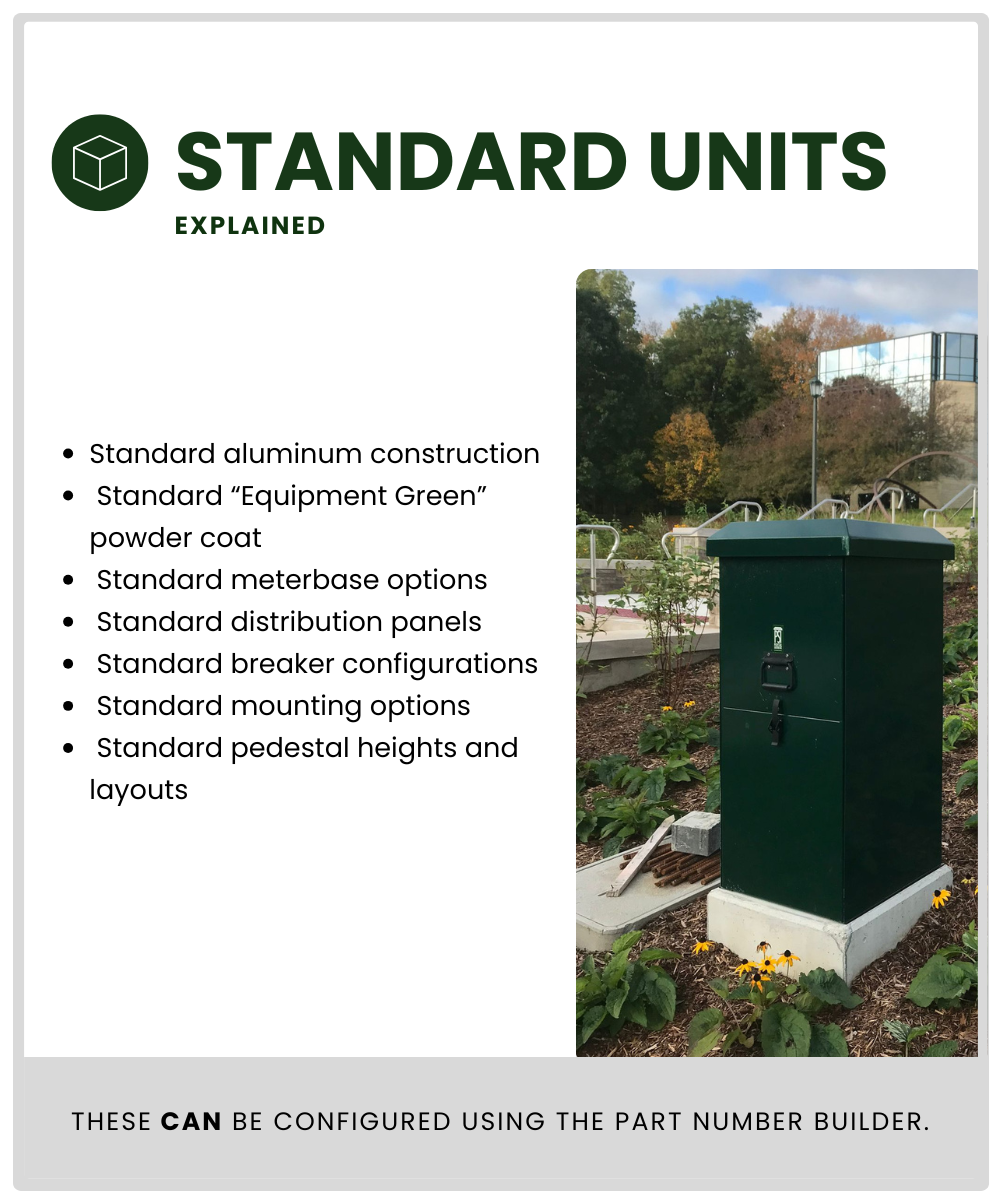
Standard configurations only.
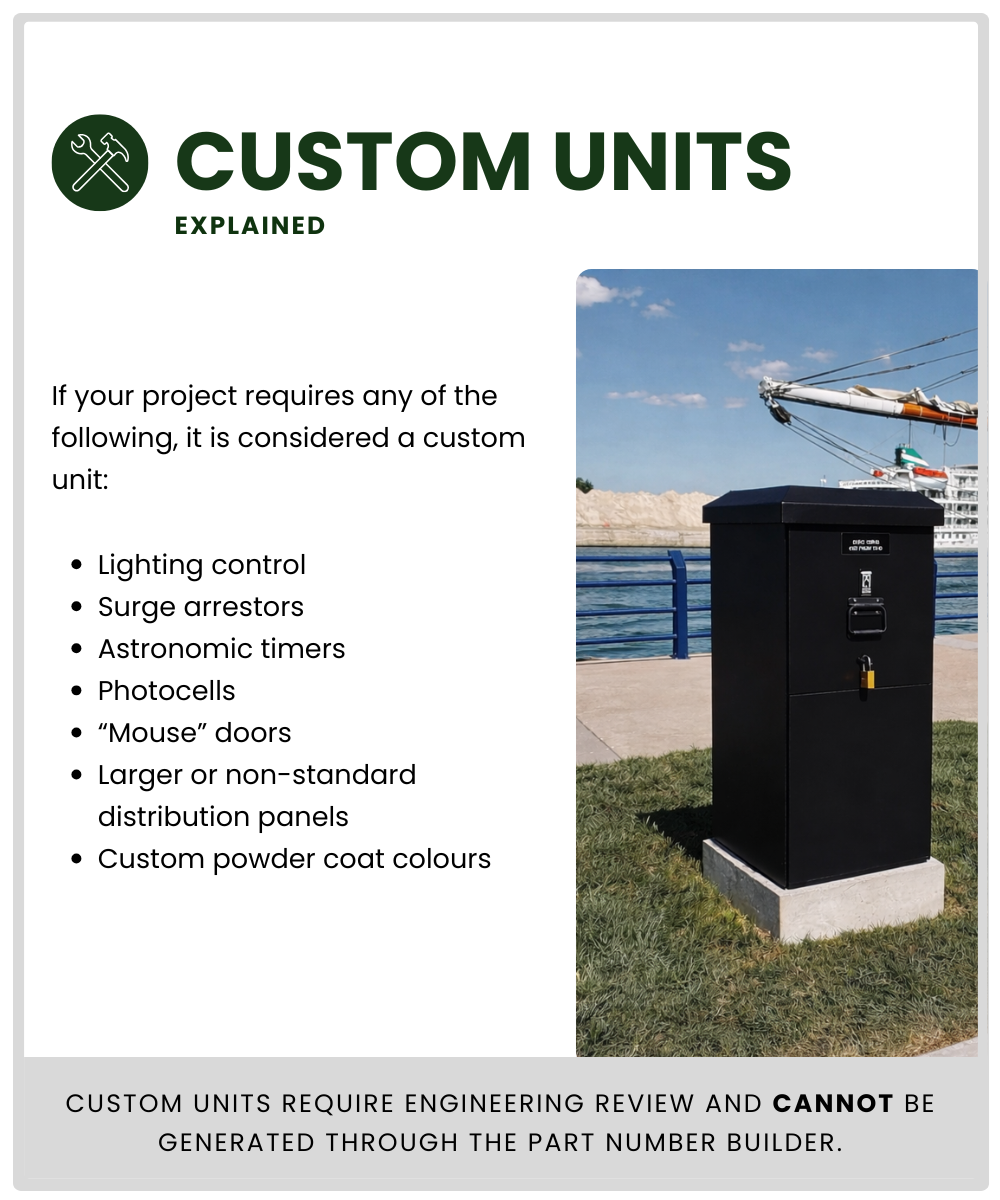
Projects with custom features require direct review.
Please contact us directly for assistance.
Common Questions
Answers to a few questions you may have after using the Part Number Builder.
-
A part number may not generate if a required step was missed or if a selection falls outside standard configurations.
-
Projects requiring custom features must be reviewed by our engineering team and cannot be generated through this tool.
Please contact us to discuss your requirements. -
Pricing and purchasing are handled by authorized distributors using the part number you received.
-
For standard changes, submit a new request.
For custom changes, contact our team directly.